01 / WINDOWS
Windows
x64 · .exe installer
Windows 10 or 11
A tray-resident widget that does two things anywhere on your system: dictate speech into whatever field has focus, and rewrite text you have selected. Built with Tauri, Rust and React — and it works with or without MeshConsole.

Hold the hotkey, speak, release. What you said is transcribed and typed into whatever window has focus — a terminal, an editor, a browser field. Push-to-talk or toggle, and the hotkey is yours to choose.
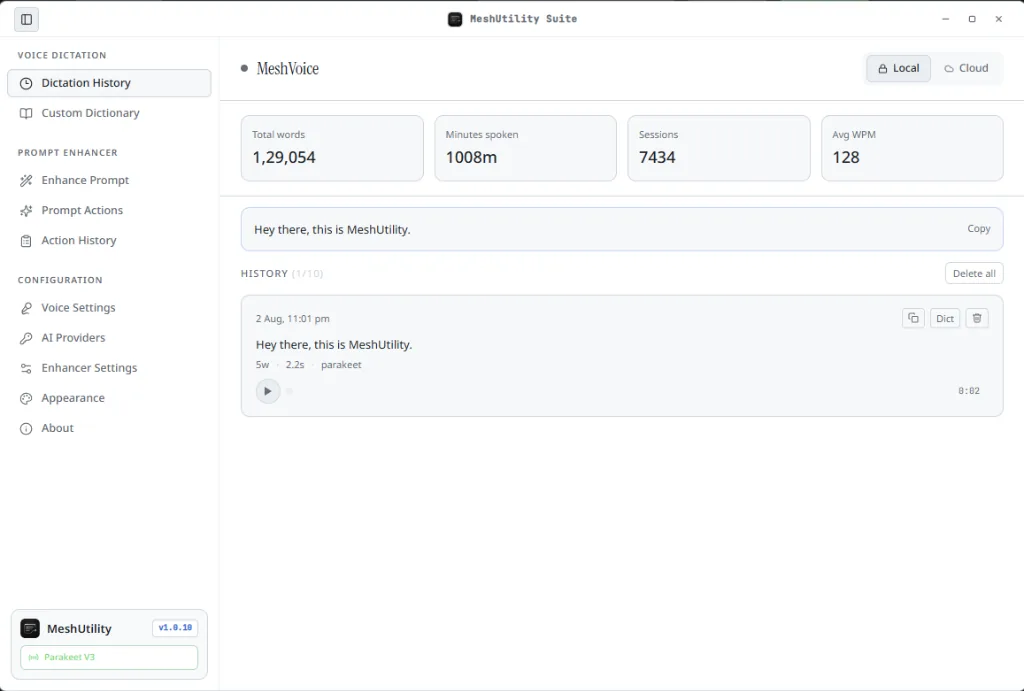
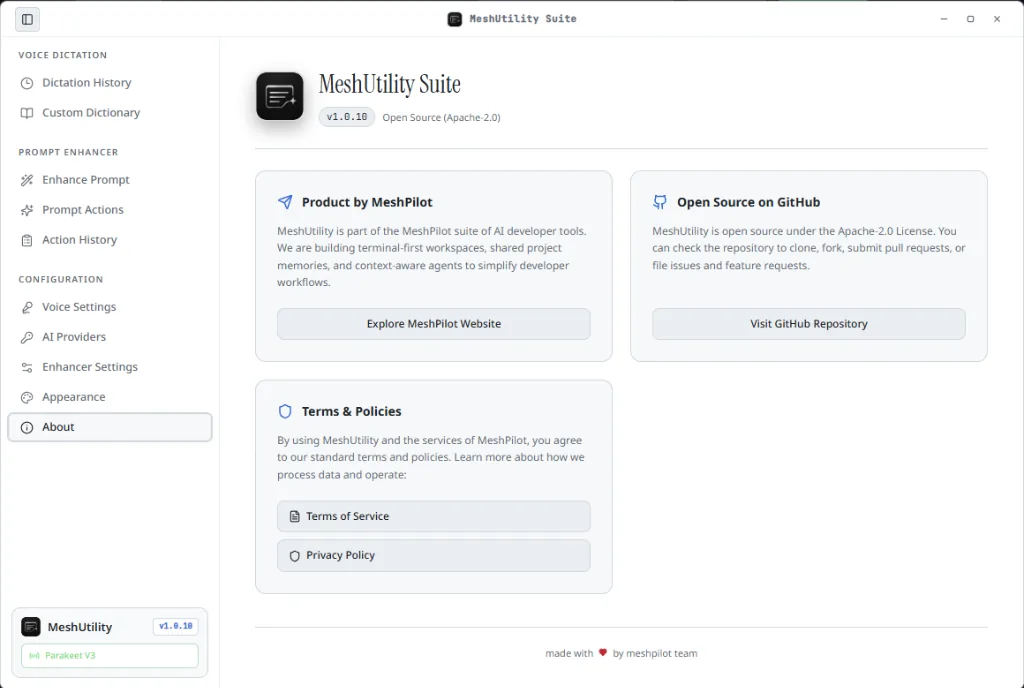
MeshUtility sits in the system tray and costs nothing to leave running. Voice history, your dictionary and your provider settings are stored locally, and the whole thing is Apache-2.0 on GitHub — read it, build it, send a pull request.
Select text anywhere and hit the overlay hotkey. MeshPrompt sharpens a vague prompt, tightens prose, fixes grammar or translates it — then copies the result or replaces the original in place. Choose how far it should go, from concise to expansive.
It runs on your own key and your own provider: OpenAI, Anthropic, Google Gemini, Groq, Mistral, or a local Ollama model if you would rather nothing left the machine at all.
MeshConsole / Desktop app
Choose your system. Your download starts from the latest published release.
x64 · .exe installer
Windows 10 or 11
Apple Silicon · .app.tar.gz archive
M-series Mac
x64 · .AppImage
64-bit Linux
Open the installer or archive for your system.
Connect your MeshPilot account in the app.
Choose a project folder and add your first agent.
Downloading is free; using MeshConsole requires a subscription or lifetime license. View plans
Need help? Read the setup guide or contact support.