01 / WINDOWS
Windows
x64 · .exe installer
Windows 10 or 11
MeshConsole is a desktop workspace for AI coding agents. Nearly thirty of them, in persistent terminals and chat panes over your own folders, with a shared task board and project memory underneath.
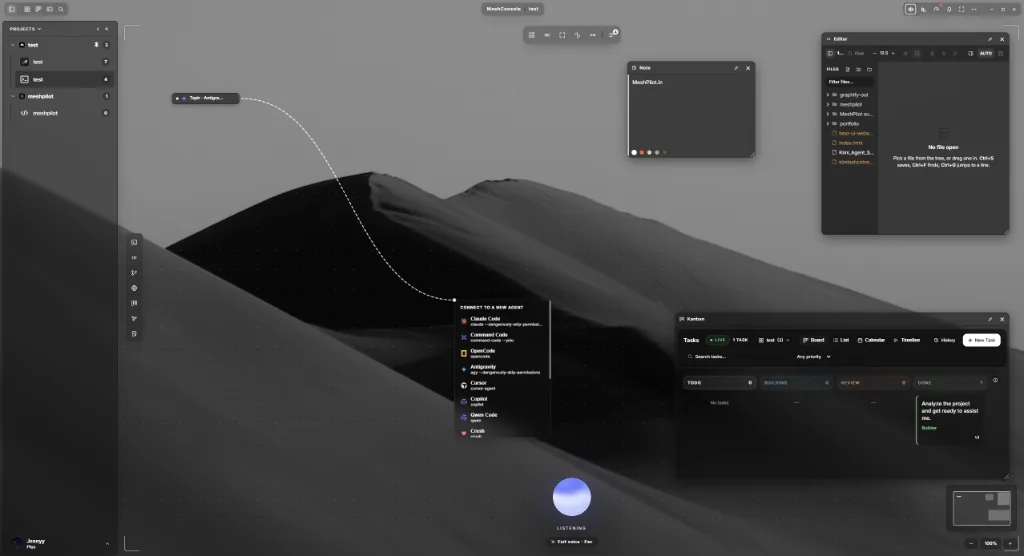

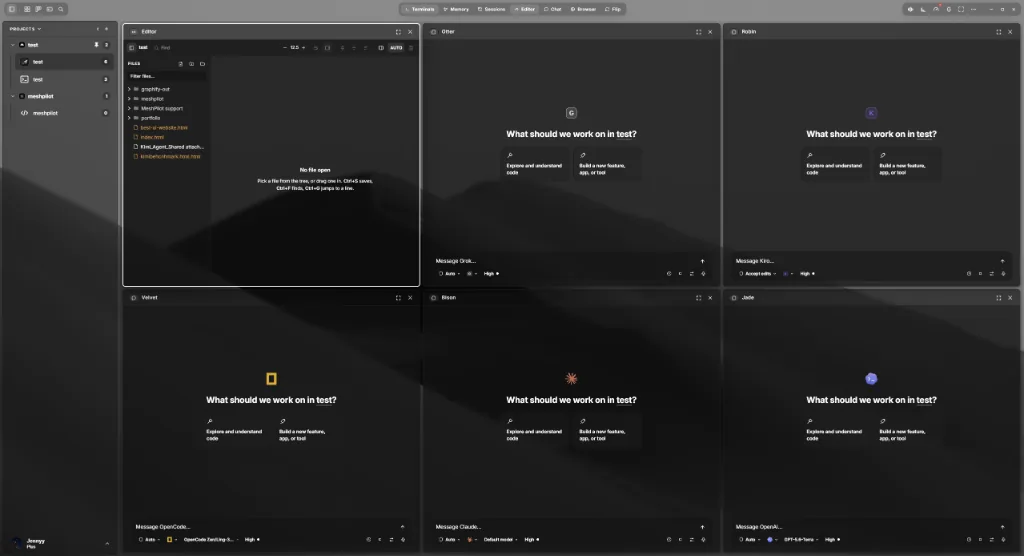
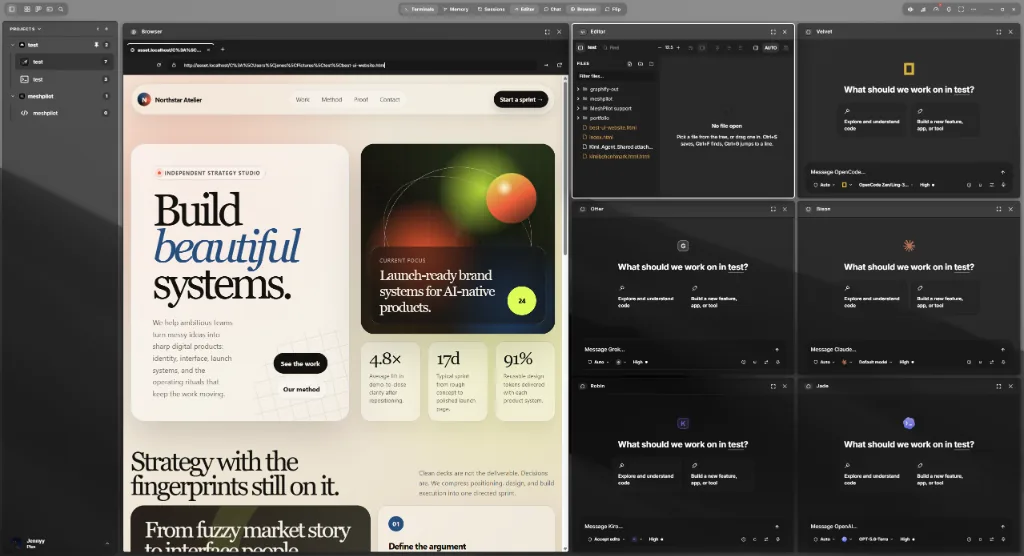
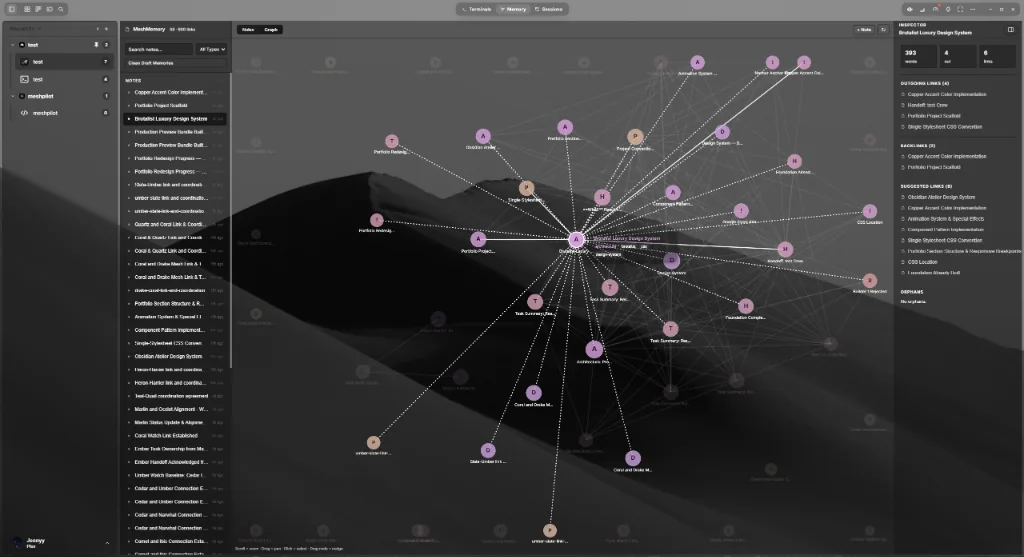
Nearly thirty coding agents in persistent terminals and chat panes, over your own project folders.
Dictate into any text field, or select text anywhere and have it rewritten by the model you choose.
MeshConsole / Desktop app
Choose your system. Your download starts from the latest published release.
x64 · .exe installer
Windows 10 or 11
Apple Silicon · .app.tar.gz archive
M-series Mac
x64 · .AppImage
64-bit Linux
Open the installer or archive for your system.
Connect your MeshPilot account in the app.
Choose a project folder and add your first agent.
Downloading is free; using MeshConsole requires a subscription or lifetime license. View plans
Need help? Read the setup guide or contact support.
MeshConsole / Phone app
NewMeshConsole for Android pairs with the desktop app on your computer. Step away from your desk and keep your agents moving: watch them work, answer the one waiting on you, or start something new.
Live terminals and agent chats from every computer you pair, with history.
Get told when an agent finishes or needs you, and unblock it from the notification.
Hold to speak. Your computer turns it into text, so no audio leaves your devices.
End-to-end encrypted between phone and computer. Our relay only carries sealed frames.
Android 7.0 or later · .apk
Not on the Play Store. The app keeps itself up to date and tells you when a new version is ready.
iPhone app coming soon.
Tap around: it works like the app, with sample data.
Download the APK on your phone and open it. Android asks once to allow installs from your browser.
On your computer, open MeshConsole › Settings › Phone › Pair a phone, then scan the code with the app.
After the first pairing on the same Wi-Fi, your phone reaches your computer from anywhere.